Jobs without the chase
Track requests, work orders, vendors, communication, notes, attachments, and next actions in one operational view.

One secure workspace for property maintenance, tenant requests, realtor updates, vendor coordination, quotes, and asset history.
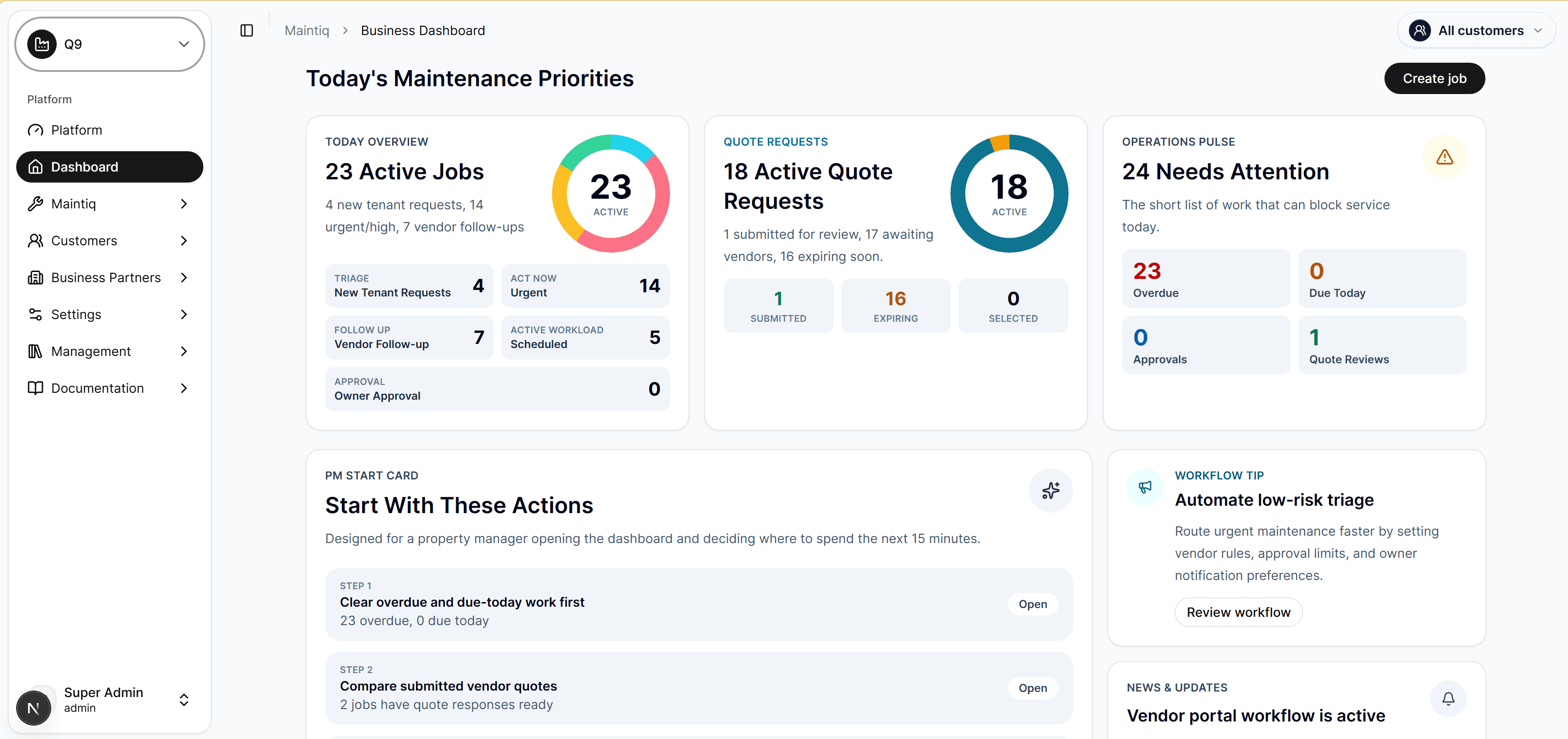
A concise walkthrough for operators, owners, and service teams: intake, triage, asset context, vendor coordination, quote approval, customer updates, and reporting.
Track requests, work orders, vendors, communication, notes, attachments, and next actions in one operational view.
Keep equipment, locations, history, and maintenance decisions connected so teams do not start from zero every time.

Coordinate pricing, customer sign-off, package options, and work progression without email threads taking over.

See job health, overdue work, vendor performance, and financial signals before they become customer escalations.

Present portals, forms, and customer-facing updates with the brand language your owners, tenants, and vendors already trust.

Give tenants a simple place to raise issues, follow progress, share details, and stay informed without calling for every update.

Keep quote decisions, access permissions, document visibility, and approval trails controlled without slowing the work down.

Track requests, work orders, vendors, communication, notes, attachments, and next actions in one operational view.
Keep equipment, locations, history, and maintenance decisions connected so teams do not start from zero every time.
Coordinate pricing, customer sign-off, package options, and work progression without email threads taking over.
See job health, overdue work, vendor performance, and financial signals before they become customer escalations.
Present portals, forms, and customer-facing updates with the brand language your owners, tenants, and vendors already trust.
Give tenants a simple place to raise issues, follow progress, share details, and stay informed without calling for every update.
Keep quote decisions, access permissions, document visibility, and approval trails controlled without slowing the work down.
See operational health, active work, performance signals, and maintenance priorities in one executive view.
See every active job by priority, customer, asset, vendor, due date, and next action without digging through inboxes.
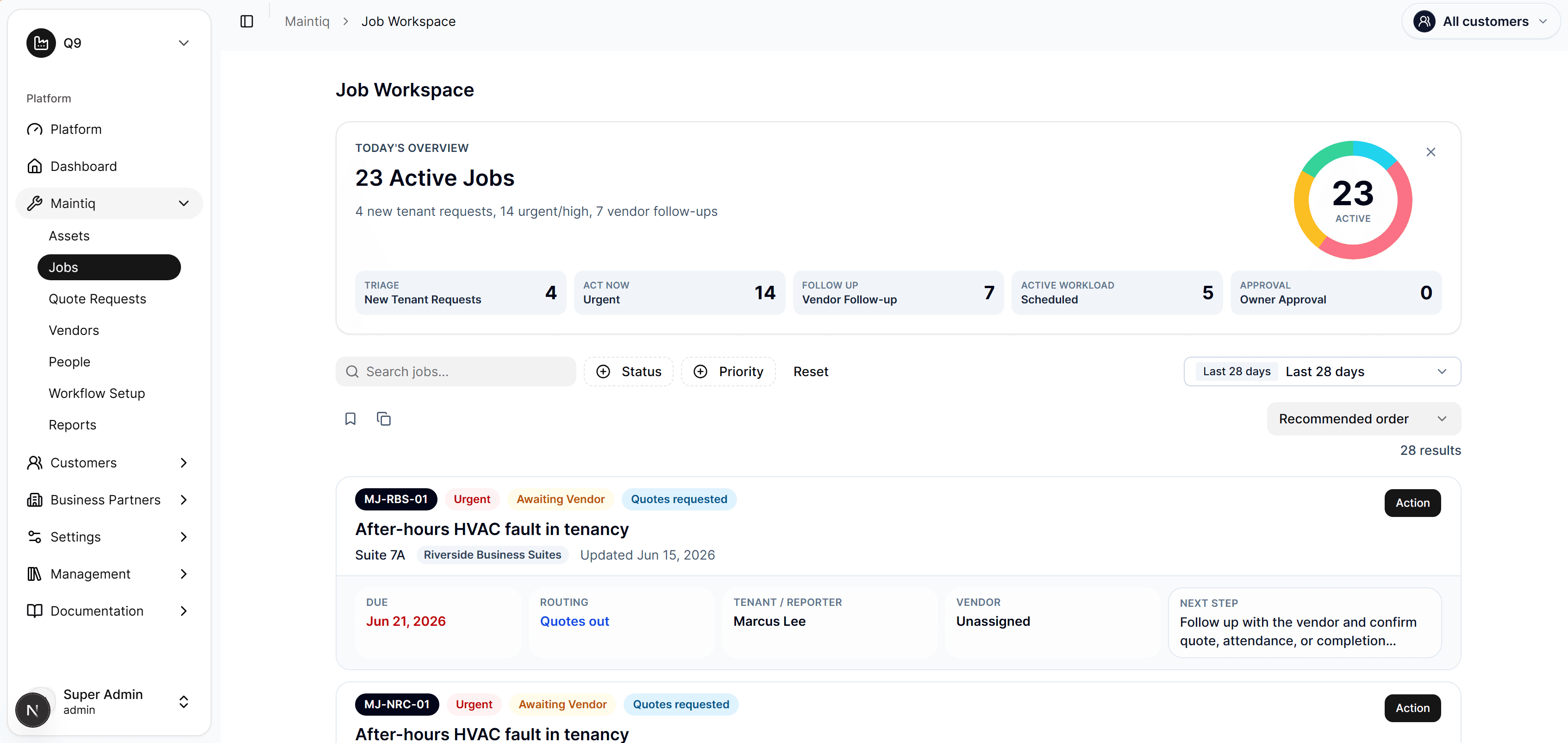
Keep notes, attachments, communication, people, reminders, and status history connected to the job record.
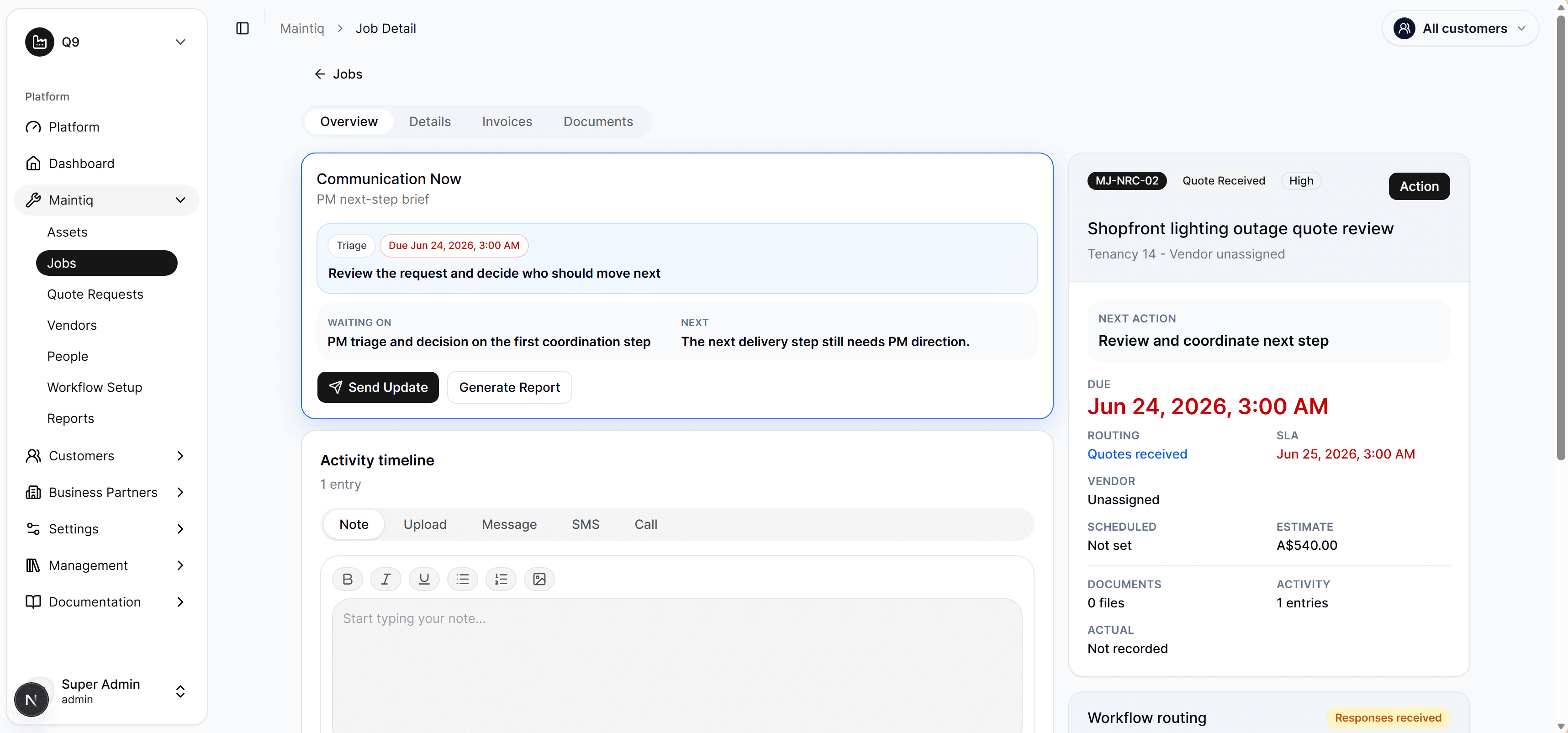
Turn scope, vendor pricing, customer approval, and internal decisions into a cleaner path from request to signed work.
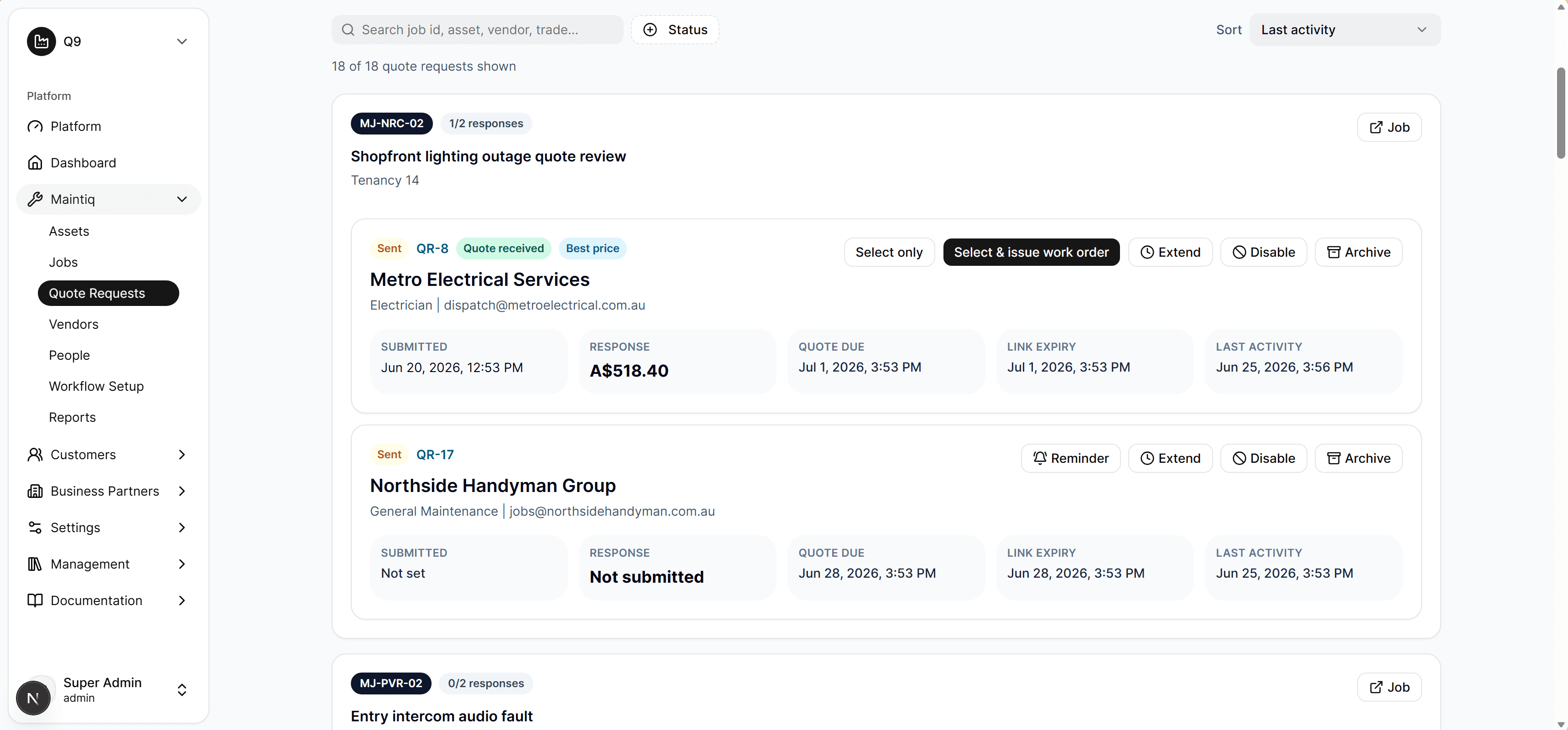
Maintain a clear record of owners, tenants, vendors, and contacts so communication stays connected to the work.
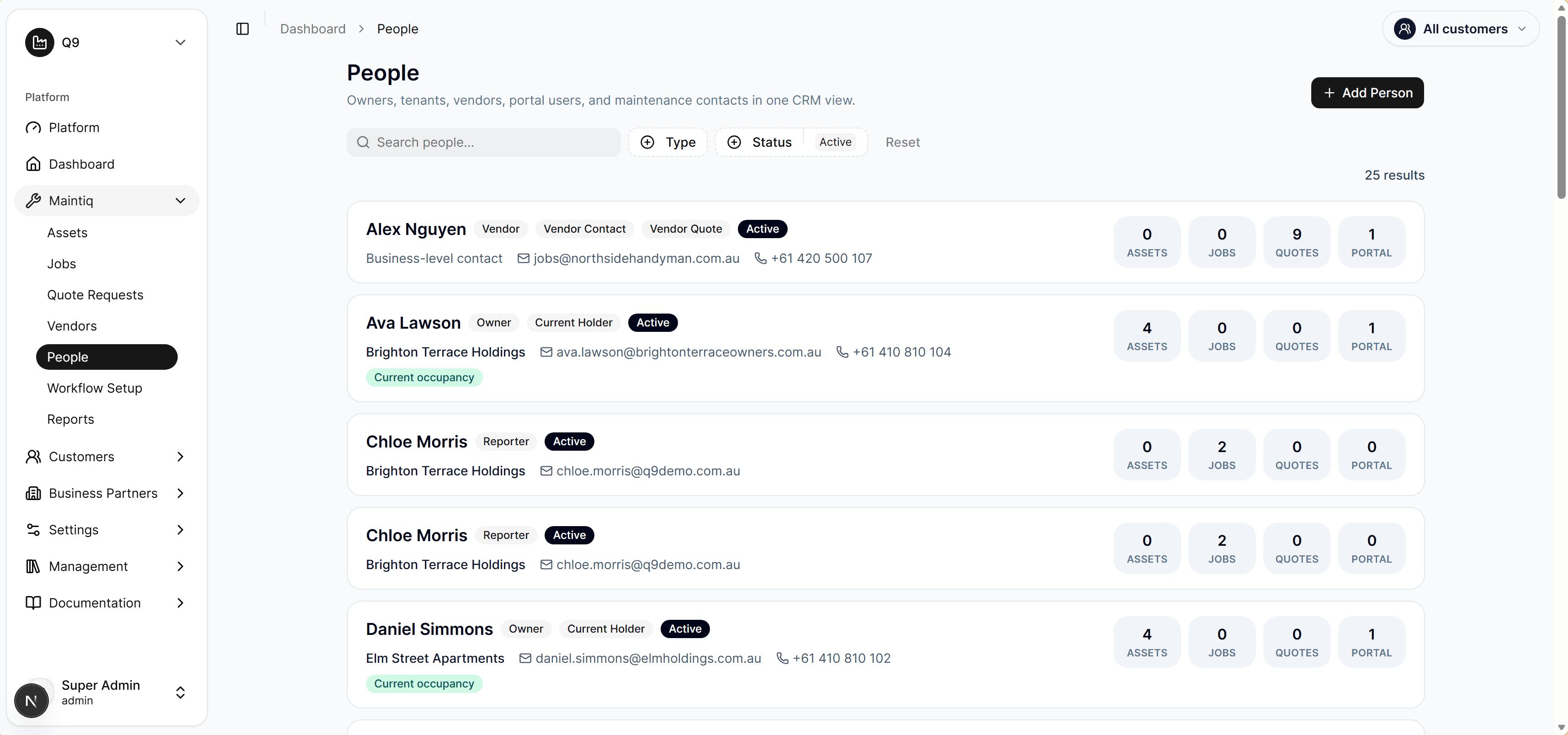
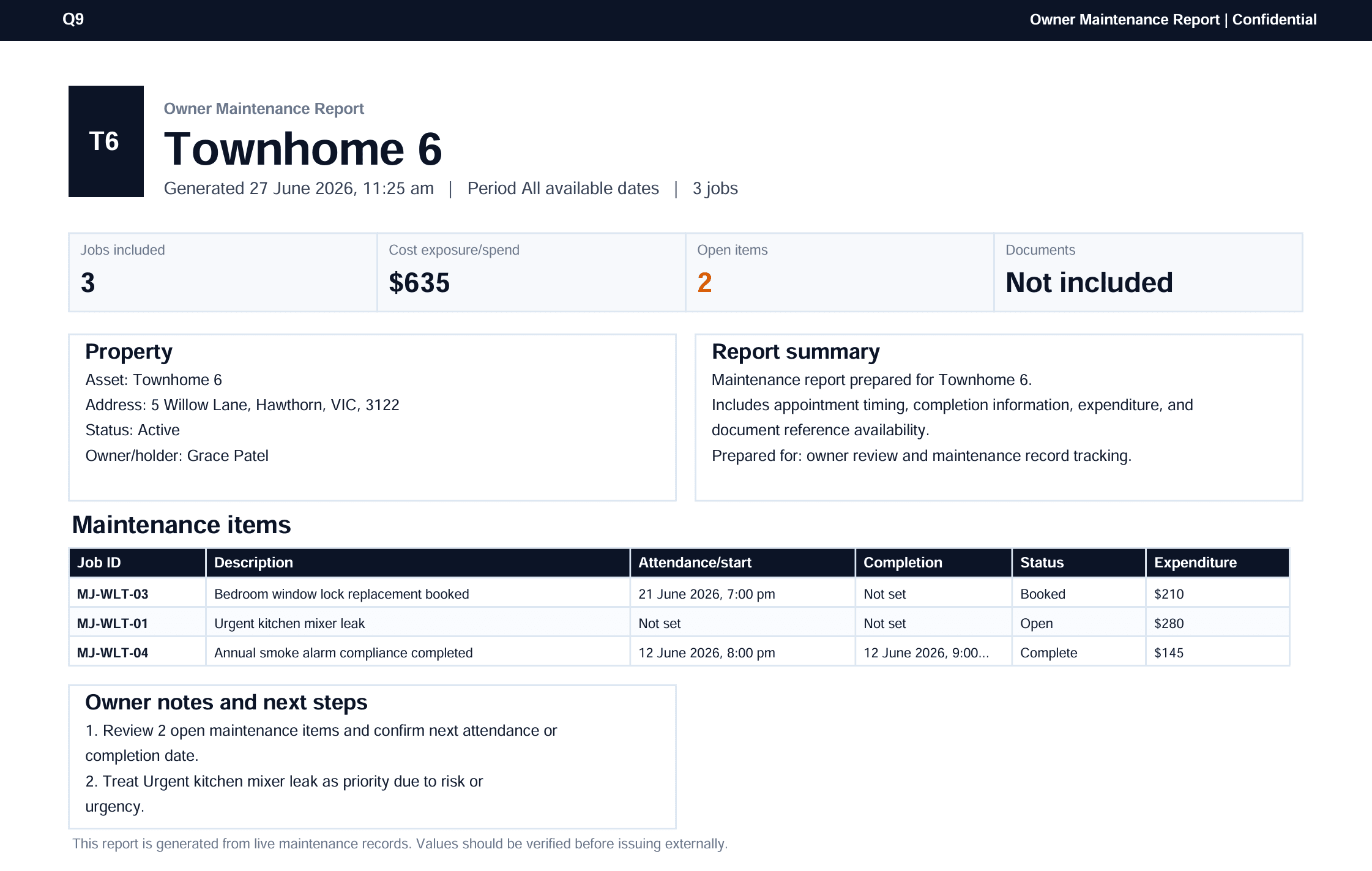
Review operational reporting across jobs, assets, vendors, quote movement, and service outcomes.
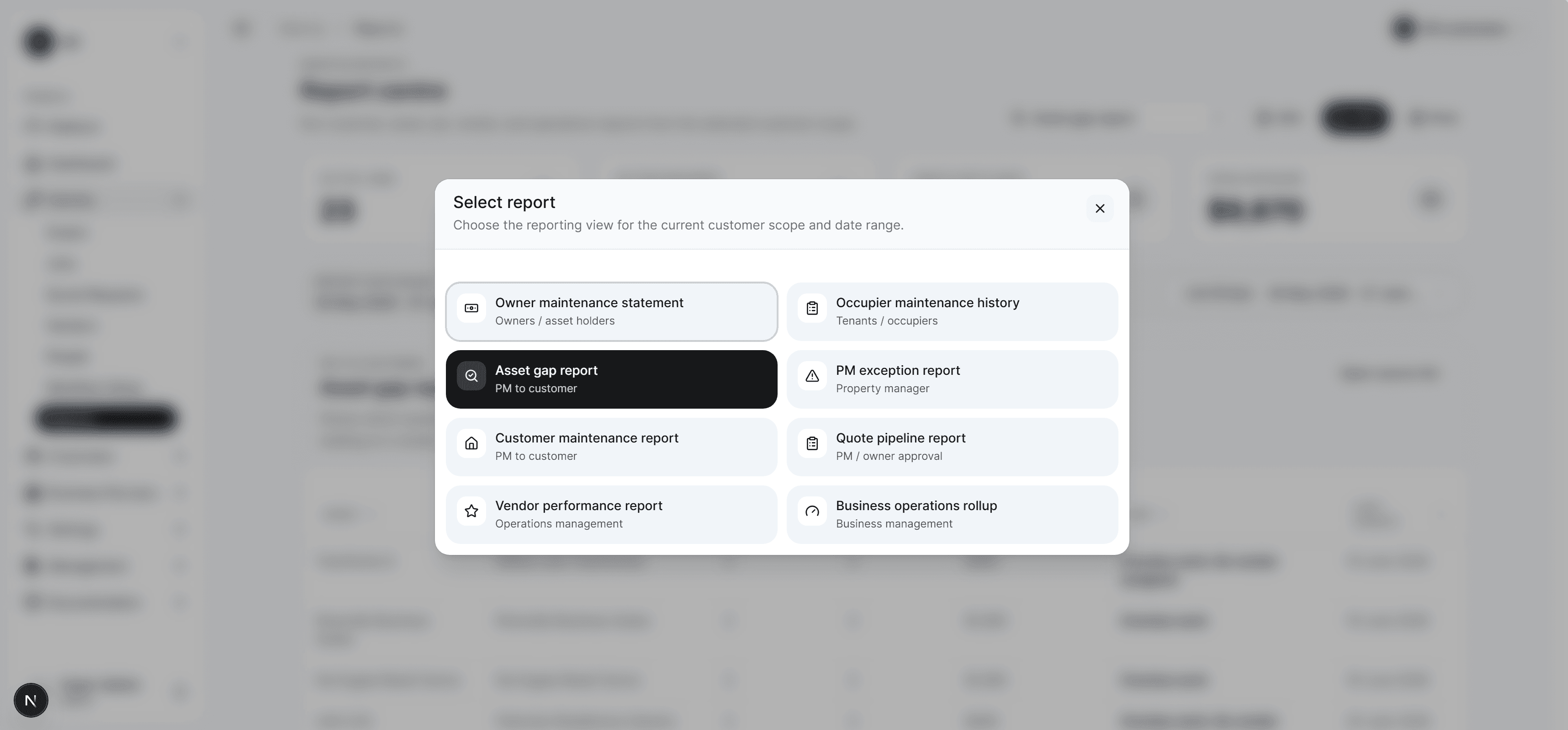
See operational health, active work, performance signals, and maintenance priorities in one executive view.
Log a job, asset, customer, vendor, or quote request from the same workspace.
Assign people, collect documents, manage reminders, and keep every update on the timeline.
Move work through approval, completion, customer communication, and reporting with less manual follow-up.
Choose a plan, add your team, and manage billing without slowing down the maintenance work. Moventr keeps subscription setup clear for operators and predictable for owners.
View pricingFor teams coordinating jobs, vendors, quotes, reporting, and customer updates from one workspace.
Trial, checkout, onboarding, and plan changes stay clear enough for the customer and controlled enough for the business.
Book a free walkthrough and leave with a clear view of how your requests, vendors, approvals, and reporting can run in one place.